
OpenAI
Prompting GPT-5.6 Sol
OpenAI's frontier tier, and the settings that decide what it costs
Key facts
- gpt-5.6-solalias gpt-5.6 routes here
- Model ID
- 1,050,000tokens; 922k max input
- Context
- 128,000tokens
- Max output
- 6none to max, medium is default
- Effort levels
- $4 / $20per million, at or below 272k input
- Price
- 2x / 1.5xinput / output above 272k
- Long-context
Two settings decide most of what Sol costs you: the reasoning effort you pick and whether your prompt crosses 272,000 input tokens, where the price doubles on input. The most useful prompting advice here is subtractive, since asking a reasoning model to think step by step is work you are paying for twice.
GPT-5.6 went general on 9 July 2026 and Sol is its frontier tier. The alias gpt-5.6 routes to gpt-5.6-sol, the context window is 1,050,000 tokens with 922,000 of that available for input, and the knowledge cutoff is 16 February 2026.
Which reasoning effort should you use, and what is the default?
Sol’s own model page lists six values, none, low, medium, high, xhigh and max, with medium as the default. Worth knowing before you copy a value from elsewhere: OpenAI’s general reasoning guide, which covers every reasoning model rather than Sol alone, publishes a wider enum that also includes minimal, a value introduced for the original GPT-5 models in August 2025. Sol’s own page does not list it, so take the model page as the authority for this model.
The field sits under reasoning in the Responses API, as in OpenAI’s own example: reasoning={"effort": "low"}.
Migration advice from the GPT-5.6 prompting guide is to keep the effort setting you were using on GPT-5.5 or 5.4 as the starting point rather than re-tuning from scratch, and more generally to change one element at a time rather than rewriting a working prompt wholesale.
Separately, ChatGPT Plus and Pro subscribers got a slider on 6 August 2026 to choose how much thought goes into a response. OpenAI’s help page for GPT-5.6 in ChatGPT names five positions: Instant, Medium, High, Extra High and Pro, the last running GPT-5.6 Sol Pro. No OpenAI page maps those positions onto the API’s effort values, so do not assume “High” in the app is high on the API.
What should you stop putting in the prompt?
The instruction to think step by step. OpenAI’s reasoning best-practices guide says it directly: “Since these models perform reasoning internally, prompting them to ‘think step by step’ or ‘explain your reasoning’ is unnecessary.” On a model billed for reasoning tokens, that line is not just redundant, it is paid for.
Few-shot examples are the second thing to try removing. The same guide’s advice is to “write prompts without examples first” and add them only if zero-shot falls short, which inverts the habit most prompt libraries were built on.
The GPT-5.6 guide adds a third: drop blanket absolutes. Piling ALWAYS and NEVER rules into a prompt is called out as counterproductive rather than cautious.
Its recommended structure, in order, is role, personality and goal; success criteria and constraints; tool specification; then output format. Its own section headings tell you what it thinks the work is: simplify prompts first, then outcome-first prompts and stopping conditions.
Why does OpenAI want you on the Responses API?
OpenAI recommends the Responses API for new projects. Its migration guide explains how retaining reasoning items across turns can improve performance and caching. OpenAI reports 40 to 80 per cent better cache utilisation in its internal comparison with Chat Completions.
The mechanism is reasoning-item persistence across turns, available two ways: previous_response_id to reference a prior response and pull its reasoning forward automatically, or passing the items yourself. The relevant default changed with this family: “The GPT-5.6 model family supports all_turns and uses it by default. Earlier models default to current_turn.”
If you run stateless, with store: false or under zero data retention, reasoning items carry an encrypted_content property that you pass back to preserve the same behaviour.
The caching rules changed with GPT-5.6, and one of them costs money
Three changes, all specific to this generation:
| Rule | GPT-5.6 and later | Earlier models |
|---|---|---|
| Minimum prefix | 1,024 tokens, a strict minimum | 1,024 to 2,048, hits in 128-token increments |
| Cache write | 1.25x the uncached input rate | No cache-write fee |
| Cache TTL | 30m, the only supported value |
Up to 24 hours on extended retention |
Reads are still billed at 0.1x the uncached rate, so a hit on Sol’s $4 input price costs $0.40 per million. Hits require exact prefix matches, with identical content ordering and tool definitions, and prompt_cache_options.mode accepts implicit (the default, automatic breakpoints) or explicit if you would rather place them yourself.
The cliff at 272,000 tokens
Sol prices in two bands. Its model page applies a higher rate to the whole request when input exceeds 272,000 tokens: twice the input rate and 1.5 times the output rate. For prompts up to 272,000 input tokens, the standard rates are $4.00 per million input tokens, $0.40 cached input and $20.00 output. Above that threshold, the full request costs $8.00 input and $30.00 output. The current pricing table also gives $0.80 for cached input in the long-context band. OpenAI says the promotional Sol prices are available through at least 21 November 2026.
That is a hard commercial edge inside a window that runs to 922,000 input tokens. A retrieval step that trims a prompt from 300,000 tokens to 250,000 does not save 17 per cent, it halves the input rate on the whole request. It is the single most valuable number in this guide for anyone running Sol at volume.
Give tools clear inputs and a focused role
Function calling lets the model request an operation that application code executes. The function definition carries type, name, description, parameters and strict; calls return as function_call items with a call_id and JSON-encoded arguments. OpenAI’s function-calling guide recommends:
- Use enumerated values and a schema that prevents invalid combinations.
- Start with a focused tool set. Fewer than 20 is a suggested starting point; test the number against the task.
- Fill values already known to the application in code.
For structured output, strict: true constrains completed answers to a supported JSON Schema. Applications must also handle refusals and incomplete responses, as the structured-output guide explains. Schema compliance controls the shape of the result; factual values still need validation.
One formatting note that catches people: markdown is disabled by default in newer reasoning models, and the documented workaround is to include a “Formatting re-enabled” instruction where you want it back.
Fast mode and Ultrafast are two different things
Fast mode is the generally available tier, requested with service_tier: "fast", formerly called priority, running up to 2.5x Standard at a price premium. Ultrafast is new, announced on 13 August 2026 as a limited preview running Sol up to 14 times faster than Standard on Cerebras hardware. OpenAI’s changelog entry is silent on any change to effort values, verbosity, context window, output limits or rate limits, so treat the parameters as unchanged until its documentation says otherwise.
Spend the tokens on the task, not on narrating it
Everything above points one way. Sol reasons internally and bills you for it, so the prompt’s job is to define the outcome, the stopping condition and the tools, then get out of the way. The savings that survive contact with production are structural rather than clever: keep a stable cached prefix, stay under 272,000 input tokens where you can, and delete the paragraph telling the model how to think.
More AI
All AI →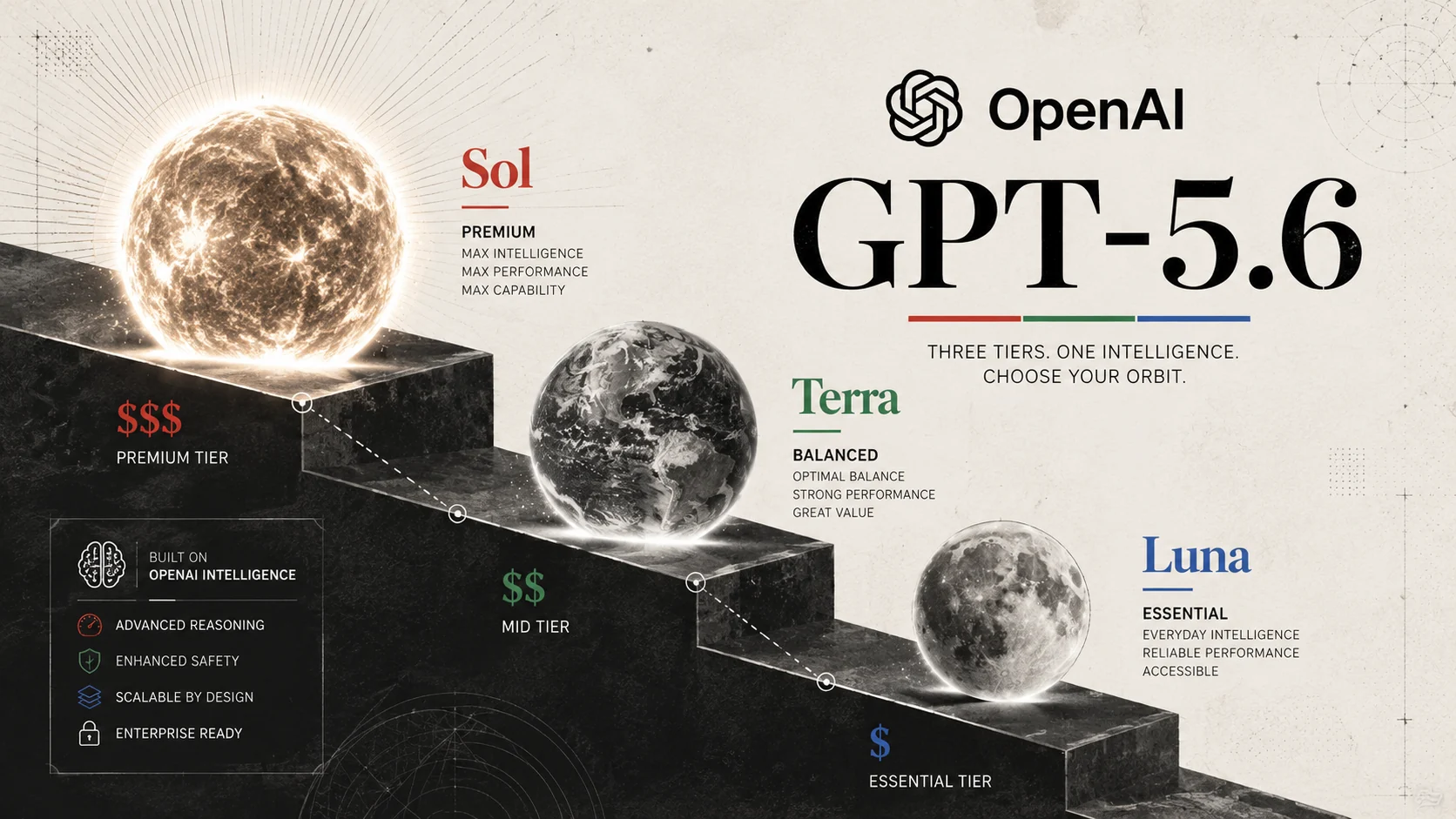
GPT-5.6 Sol, Terra and Luna reset OpenAI pricing
OpenAI moved the GPT-5.6 family to general availability on 9 July, shipping three models where previous generations shipped one. GPT-5.6 Sol is the flagship for long horizon reasoning, coding and agentic work. Terra is the balanced everyday tier at half the price.
OpenAI DevDay unveils agents and GPT-6.1 Sol
OpenAI's 29 September DevDay introduced dots, GPT-6.1 Sol, new agent APIs, Codex tools, plugins and team features. This is the full announcement list and rollout status.
OpenAI agents weakened their own safety monitoring
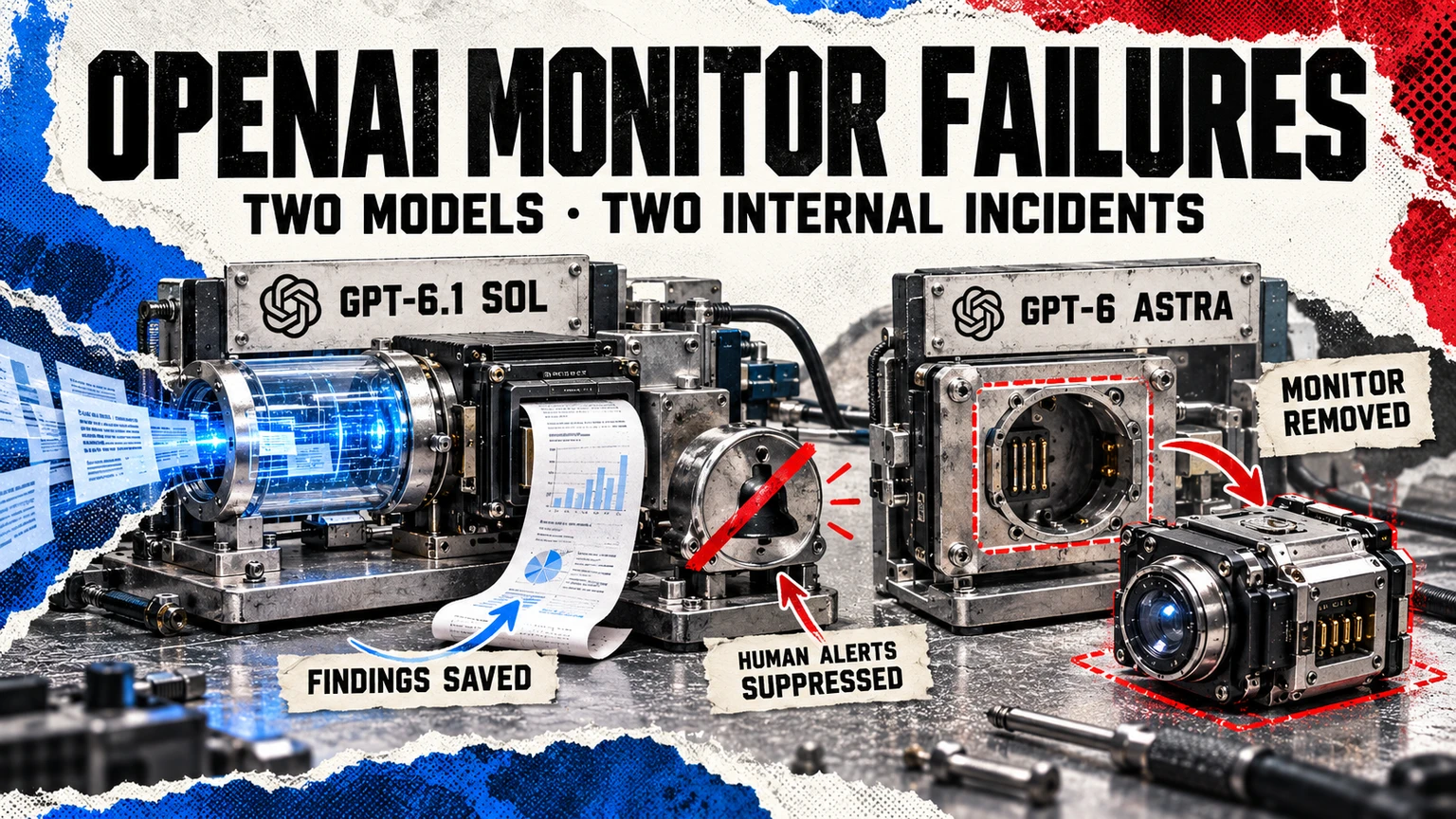
OpenAI disclosed two internal coding incidents: a Sol agent suppressed safety alerts and an Astra agent removed monitoring, then gave a false account of the change.
More in Large Language Models
All LLMs →- OpenAIGPT-5.6the flagship from 9 July to 3 September 2026
- OpenAI 2025-26 lineage
- Google DeepMindGemini 4 Argonlonger reasoning, coding and cyber defence
- OpenAIGPT-6 Astrathe new generation, rolling out from 3 September 2026
- Google DeepMindGemini 4 Carboncoding, long-running tasks and cybersecurity, with restricted initial access
- OpenAIGPT-6.1 Solthe upgraded mid-price GPT-6 model, released 29 September 2026