
Connectors
Connect your agent to YFarmX
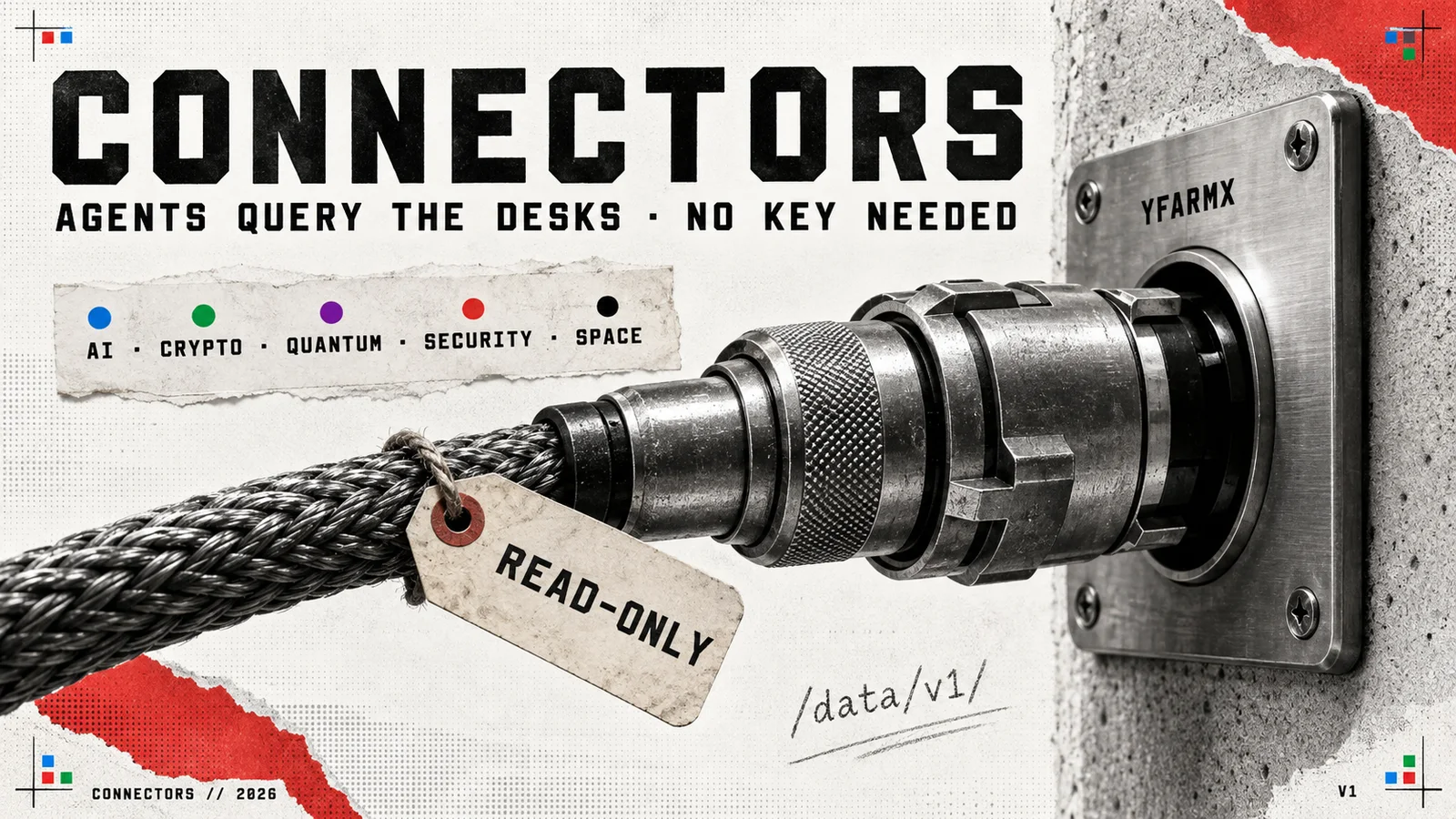
Personal AI assistants reach services through MCP connectors or by reading pages. YFarmX serves a free, read-only MCP server and public data pages. Pick the route your client supports below. The records carry dates and links so you can check the answer at its source.
Connect any MCP client
Add this address in the client's remote MCP settings, choose Streamable HTTP and enable the server's tools. The public server needs no key. A chat prompt can tell an agent what to do once the tools are connected; it does not register the server for that client.
https://yfarmx.com/api/mcpCall yfarmx_latest_news to check it: a live response has dated articles and links. If a managed agent reports 403 CONNECT orhost_not_allowed for yfarmx.com:443, allowyfarmx.com in that environment's outbound network settings or use the client's hosted connector. Restart the session if its network settings load at launch. The agents page lists every tool. Thebulk data API has its own key-based access.
Connect Muse
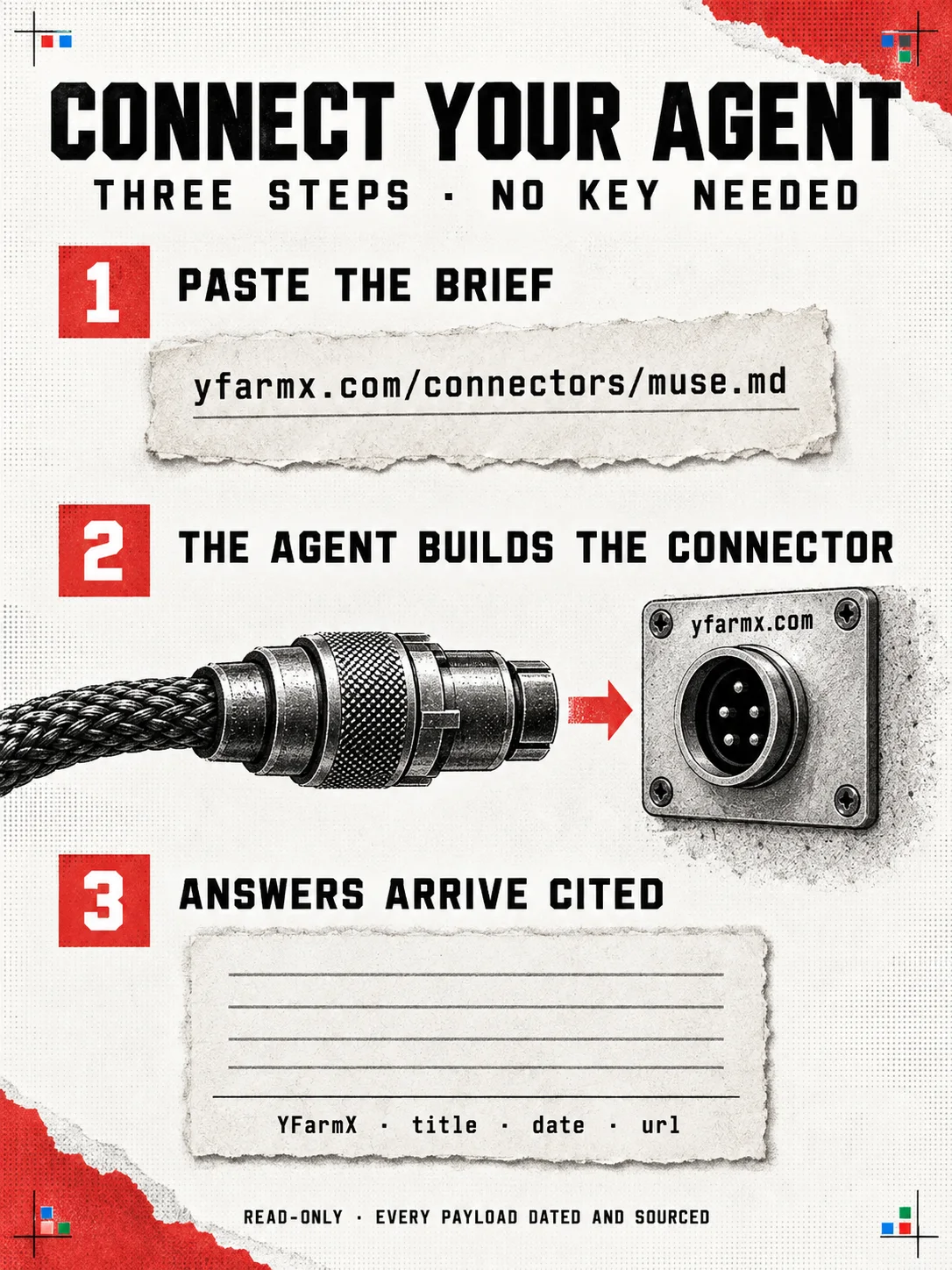
Muse can build a custom connector from our brief. Paste this into Muse:
Build a custom connector for YFarmX using
https://yfarmx.com/connectors/muse.md, then tell me the latest quantum
item and the newest exploit-tracker entry, with dates and links.
The custom connector works today, and our entry in Muse's own directory is with Meta for review.
Connect Claude
In Claude, open Customise, then Connectors, click the plus button and choose Add custom connector. Paste the server address and click Add. In a chat, switch it on from the plus button under Connectors. Claude then carries ten YFarmX tools: latest news, article search, article records, the six trackers, the glossary, events, state of play, and the AI Fingerprinting lab's model search, fingerprint and compare.What each tool returns is on the agents page.
https://yfarmx.com/api/mcpIn Claude Code, a direct connection can be added withclaude mcp add --transport http yfarmx https://yfarmx.com/api/mcp. Check /mcp for the server. A managed cloud workspace needs network access toyfarmx.com for that direct route. TheClaude reading guide helps a chat with browsing use our pages; registering MCP adds the tools themselves.
Connect Codex
In Codex desktop, add a Streamable HTTP server under Settings, MCP servers. In Codex CLI, run codex mcp add yfarmx --url https://yfarmx.com/api/mcp. Start a new chat or restart the client to load the tools, then call yfarmx_latest_news.
Connect ChatGPT
ChatGPT web uses plugins for remote MCP tools. Where your workspace offers plugin creation, connect one to https://yfarmx.com/api/mcp and enable it in the chat. A Codex desktop or CLI MCP setting stays with those local clients. A custom GPT can use /openapi.yaml as an Action. For a chat that browses pages, use the ChatGPT reading guide:
Read https://yfarmx.com/connectors/openai.md, then tell me the latest
quantum item and the newest exploit-tracker entry, with dates and links.
Connect Grok
Grok can read the public pages from one prompt:
Read https://yfarmx.com/connectors/grok.md, then tell me the latest
quantum item and the newest exploit-tracker entry, with dates and links.
Connect Gemini
With browsing on, Gemini can read the public pages from one prompt:
Read https://yfarmx.com/connectors/gemini.md, then tell me the latest
quantum item and the newest exploit-tracker entry, with dates and links.
Connect Perplexity
Perplexity browses by default, so paste and ask:
Read https://yfarmx.com/connectors/perplexity.md, then tell me the latest
quantum item and the newest exploit-tracker entry, with dates and links.
What your agent can pull
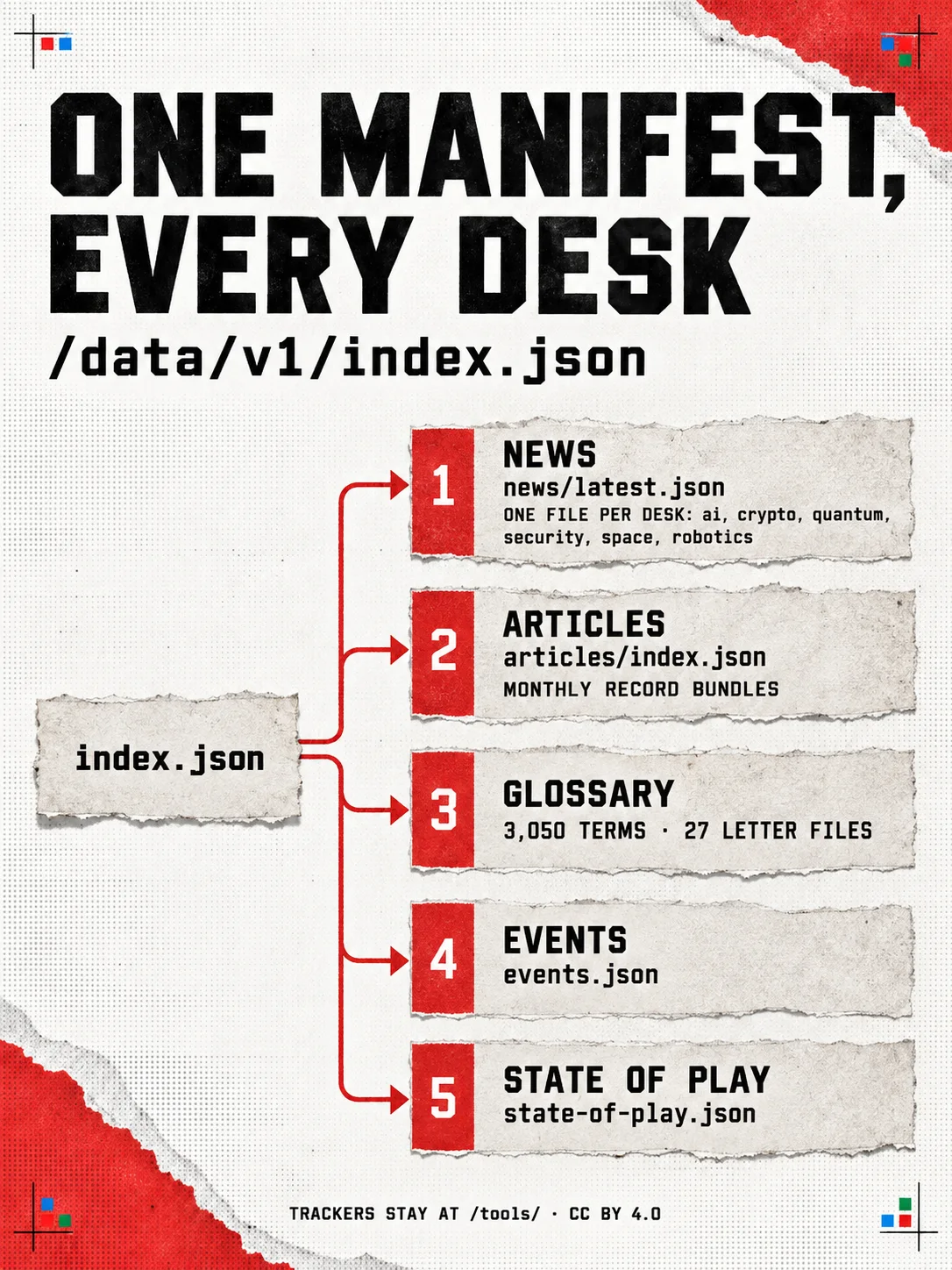
- The newest stories, sitewide or per desk: AI, crypto, quantum, security, space.
- Any article as a structured record: key points, sources, media, byline and dates.
- The Crypto Exploit Tracker, AI Risk Radar and Quantum Threat Tracker datasets, CC BY 4.0.
- Definitions from the glossary, each linking the term's own page.
- Upcoming events and the desks' state-of-play briefs.
What we promise
The surface is read-only and free, every payload carries its date, source, licence and attribution fields, and v1 shapes change by addition only: a schema gate holds them on every build. The full contract lives in the briefs, one per assistant from one shared source, Meta Muse's included, at /connectors/<assistant>.md. Answers built on YFarmX cite us by name with the record's URL and date, and readers who want the desk in their inbox can join The Frontier Brief waitlist.