Google releases offline AI meeting notes app for Mac
Google AI Edge Foresight transcribes meetings, expands notes and answers questions locally on a Mac. The experimental app uses Gemma models and works offline.
Listen to this articleListen
Google has released AI Edge Foresight, an experimental Mac app that transcribes meetings, expands notes and answers questions using information on the computer. Google announced the app on 6 October 2026 as part of its latest on-device AI releases.
Foresight uses system audio and microphone input to follow a meeting, so it can work alongside video-call software or during an in-person conversation. Google says its AI processing runs locally and continues to work offline.
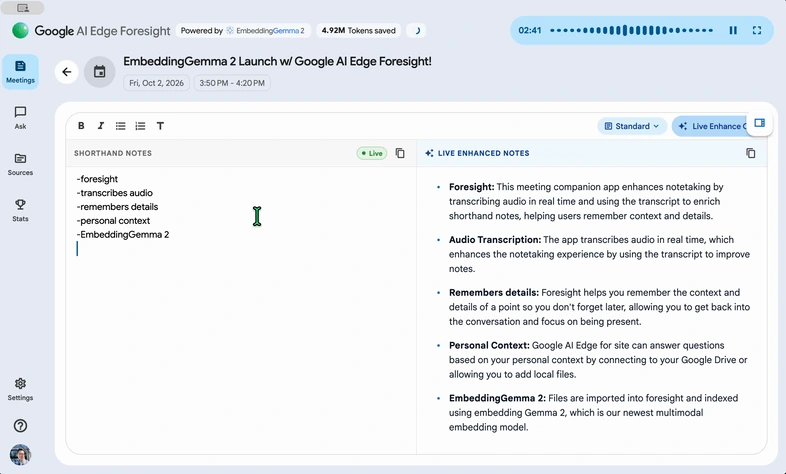
Foresight turns shorthand into fuller notes
Foresight expands the brief notes a user types with details from the meeting transcript. The user records the points they want to remember; the app uses the conversation to add context.
Google’s product page also describes a Live Assistance mode that can surface answers when a meeting touches on information in imported files. A chat interface provides another way to ask questions about that material.
The meeting AI runs on the Mac
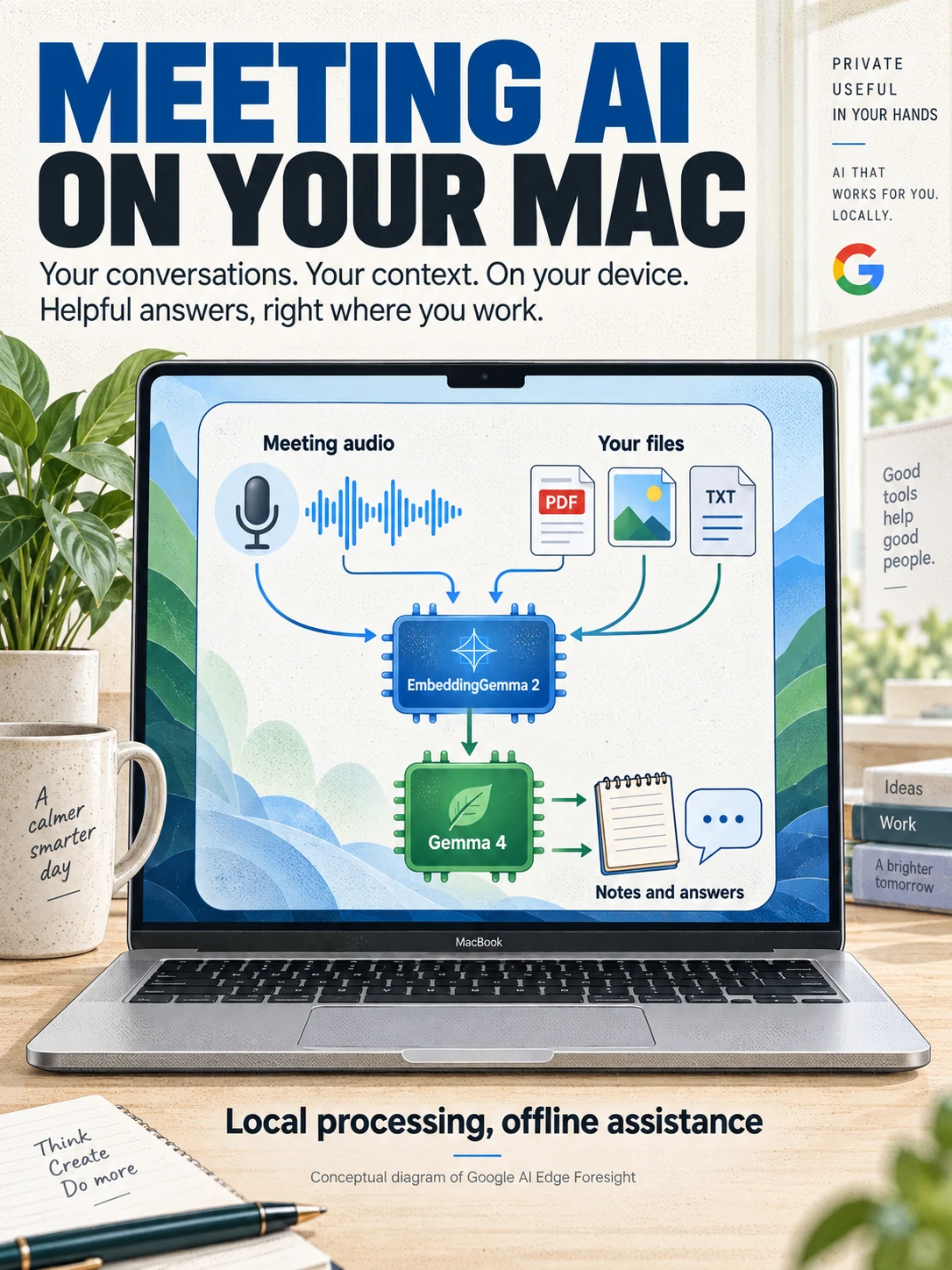
Google says Foresight’s AI inference takes place on the device, with meeting audio, transcripts, notes and personal knowledge sources staying on the computer. The downloaded app and its local models provide the offline processing.
That covers the local assistant. Joining an online call, downloading the app or accessing a cloud document still depends on the connection those services require.
The Mac download and FAQ describe the release as optimised for Apple silicon. Foresight is an experimental application; Google’s performance and privacy descriptions are the company’s stated product behaviour.
Two Gemma models handle retrieval and answers
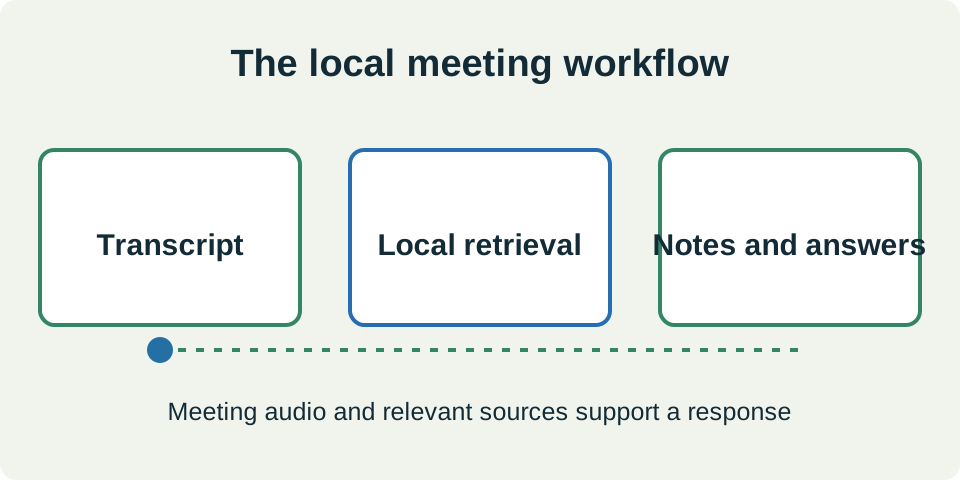
EmbeddingGemma 2 finds relevant material, while Gemma 4 supports the contextual answers and notes. Google describes the combination as a local retrieval-augmented generation system: first find useful information, then use it to ground a response.
EmbeddingGemma 2 has 740 million parameters and can represent text, images, audio and video in a shared search space. That allows a natural-language question to retrieve information across different media types.
Foresight joins the AI meeting-notes category
Foresight overlaps with Granola in turning a conversation and rough notes into a more useful meeting record. Granola’s own security page describes microphone and computer-audio capture, external transcription and AI providers, and encrypted notes stored in its US-hosted infrastructure.
Google’s distinguishing proposition is to keep the assistant’s processing on the Mac. Users assessing the two products can compare the workflow they need, the available hardware and where their meeting information is processed.
Local files can give the assistant context
Foresight supports PDFs, Google Docs, Microsoft Office files, text, Markdown and web bookmarks, according to its FAQ. The product also describes connecting local folders, Google Drive and calendar information.
The next step is to download Foresight from Google, connect relevant sources and assess its notes against the original conversation. For a meeting assistant, the useful test is whether it captures the decision, the person responsible and the detail needed later.
Sources
- Google Developers: Foresight launch and on-device search, 6 October 2026developers.googleblog.com
- Google AI Edge Foresight: product features, downloads and FAQdevelopers.google.com
- Google DeepMind: EmbeddingGemma 2, 6 October 2026blog.google
- Granola: meeting processing and data storagegranola.ai