Hermes joins Omarchy's desktop and terminal workflow
Omarchy's AI integration connects Hermes Desktop, the terminal command and theme settings around a shared runtime.
Listen to this articleListen
Hermes Agent has a documented place in Omarchy’s desktop workflow: install its graphical app from the AI menu, use it through the terminal, and let its appearance follow the surrounding desktop.
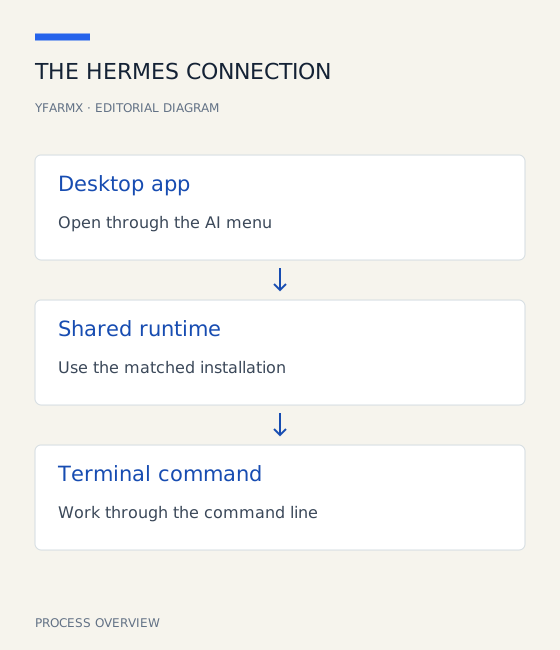
The Omarchy AI manual pinned here at its 24 September 2026 revision, explains how those surfaces connect. Hermes Desktop installs a matching runtime on first launch. The terminal command and default-agent integration then use that same runtime, bringing the installation paths together.
One runtime across the desktop
The graphical app is available under Install > AI. Omarchy also provides a default-agent picker, allowing Hermes to become the agent launched through the desktop’s standard shortcut.
The shared runtime is the significant implementation detail. It gives the desktop app and terminal a common installed version to work against. Users moving between a window and a command prompt can therefore reason about one Hermes installation.
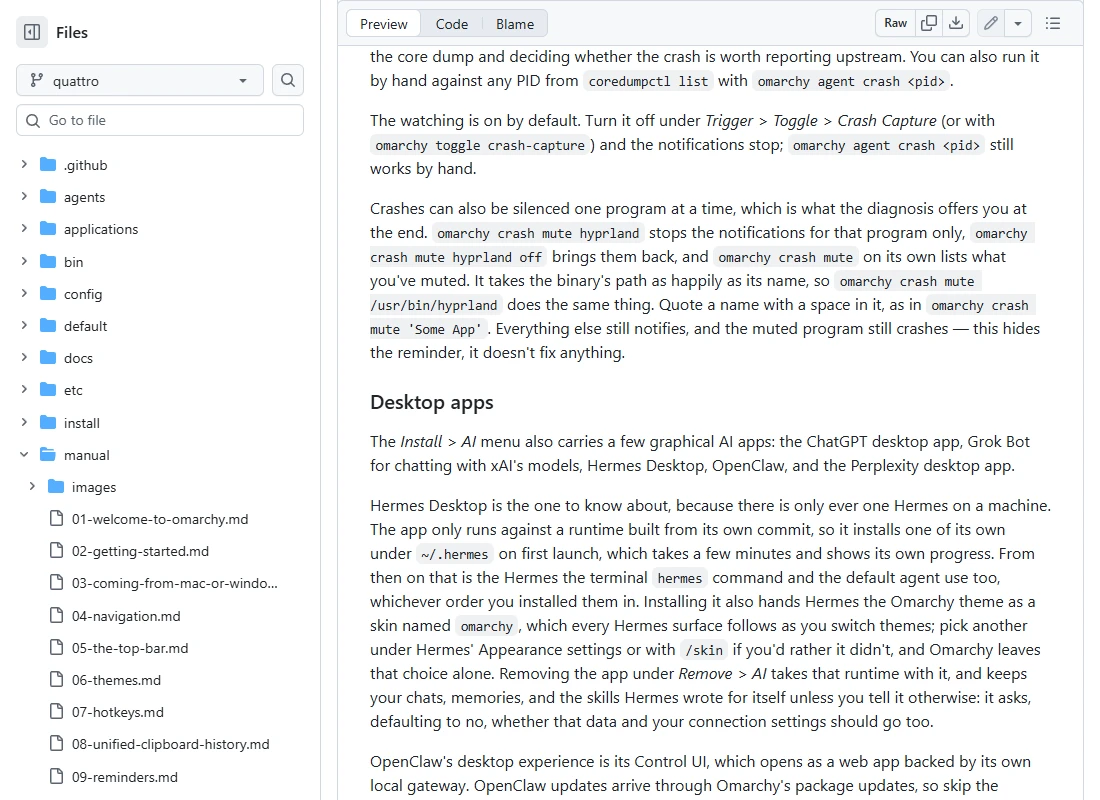
The manual says installation also supplies an omarchy skin. Changing the desktop theme updates Hermes’ appearance, while choosing another skin in Hermes leaves that personal choice in place. Its removal flow keeps chats, memories and learned skills by default, with a separate choice about deleting user data and connection settings.
The agent behind the integration
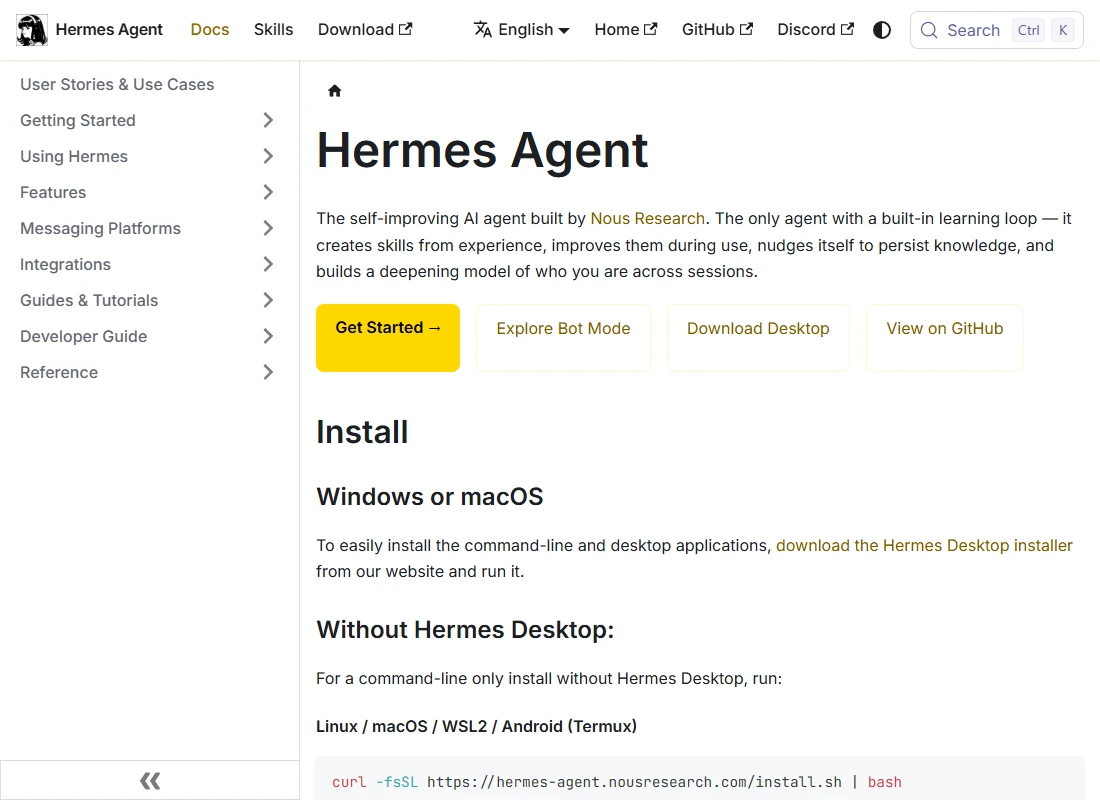
Nous Research’s Hermes project centres on an agent that can use tools, retain useful knowledge and develop reusable skills. Its documentation covers installation, model providers and the ways users can interact with it.
Omarchy supplies the desktop entry points and installation behaviour. Hermes supplies the agent workflow. The model and provider a user configures remain a separate choice within that arrangement.
For an existing Omarchy user, the practical gain is fewer separate pieces to maintain. The app, terminal entry point and theme belong to the desktop’s established workflow. A useful first check is to open Hermes through both routes, verify the selected provider, and try a small task whose result is easy to inspect.
Sources
- Omarchy's AI manual: desktop apps and default agentsgithub.com
- Nous Research: Hermes Agent repositorygithub.com
- Hermes Agent documentationhermes-agent.nousresearch.com