xAI
Imagine Image 2.0
the one that gets the text right
Key facts
- xAIGrok Imagine
- Maker
- Quality Modegrok.com, iOS, Android
- Where
- grok-imagine-image-2.0flat per-image pricing
- API model
- Region-levelwand, segmentation, cut-out
- Editing
- Up to 5images per edit
- References
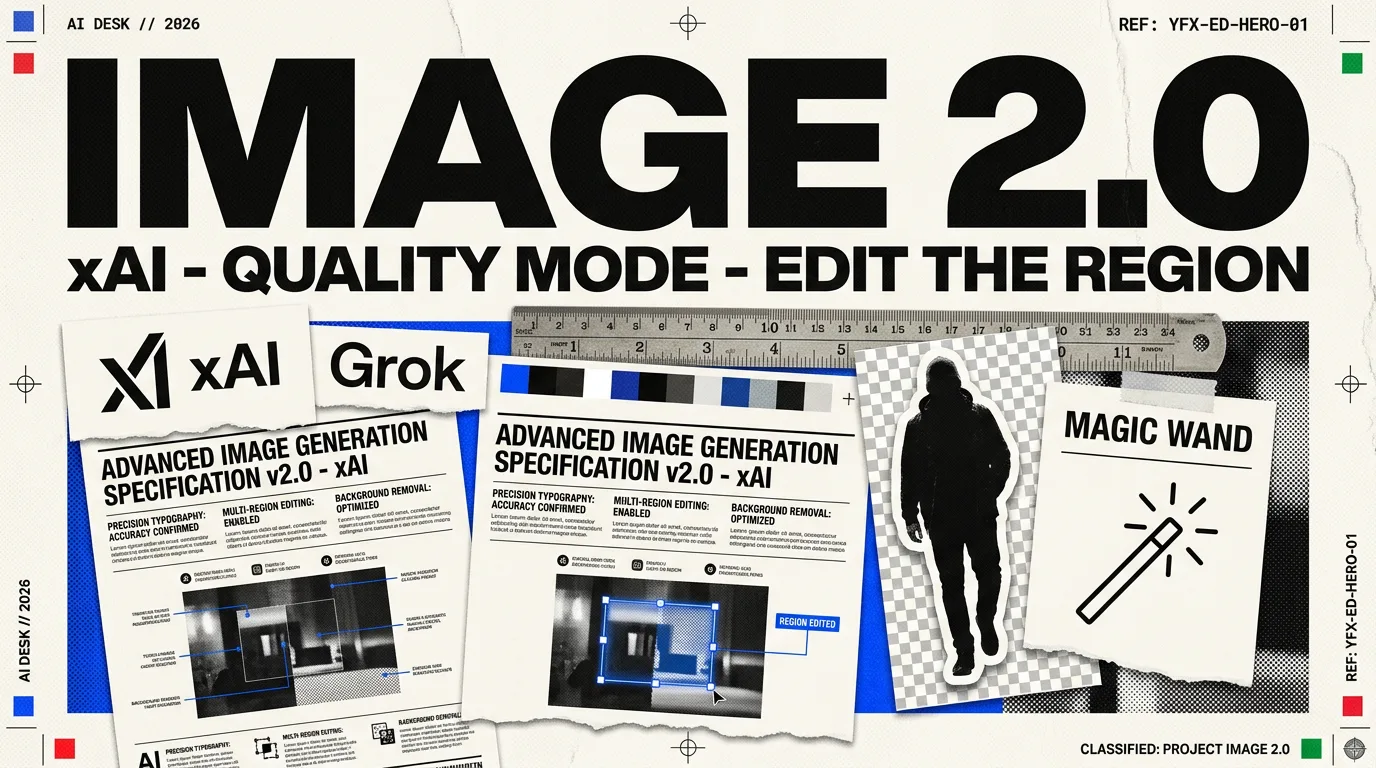
Grok Imagine Image 2.0 generates pictures from instructions and edits existing images. It supports up to five reference images, with controls for regions, segmentation and background removal.
Imagine Image 2.0 is xAI’s second-generation image model, generally available as the new Quality Mode on grok.com/imagine and in the Grok iOS and Android apps. xAI states the goal in one line: make images you can use in real work.
That phrasing is doing more than marketing. It separates two things image models are usually judged as one: how good a picture looks, and whether the picture can carry information. A model that renders a beautiful poster with unreadable body text has failed at the second while passing the first.
What it claims to do differently
Typography and layout are planned, not decorated. xAI’s description is that the model “plans typography and layout the way a designer would, so dense, multi-part visuals hold together and small text comes out sharp.” Small legible text is the single hardest thing in image generation and the reason most generated diagrams cannot be published: the headline renders, the labels turn to soup.
Instruction following is tight. The company frames it as following instructions closely, down to the details, and preserving what you put in across generations and edits. Preservation is the harder half. A model that regenerates the whole frame every time you ask for one change is not an editing tool.
The editing tools are the actual product
Three named capabilities turn it from a generator into a surface you can iterate on:
| Tool | What it does |
|---|---|
| Magic wand | Edits the region you point at and leaves the rest untouched |
| Segmentation | Selects precise areas of the image to change |
| Background removal | Exports any subject on a transparent background |
Background removal is the most practical of the three. Lifting a clean subject out of a generated scene is normally a separate job with a separate tool, and having it in the same surface removes a step from every workflow that composites.
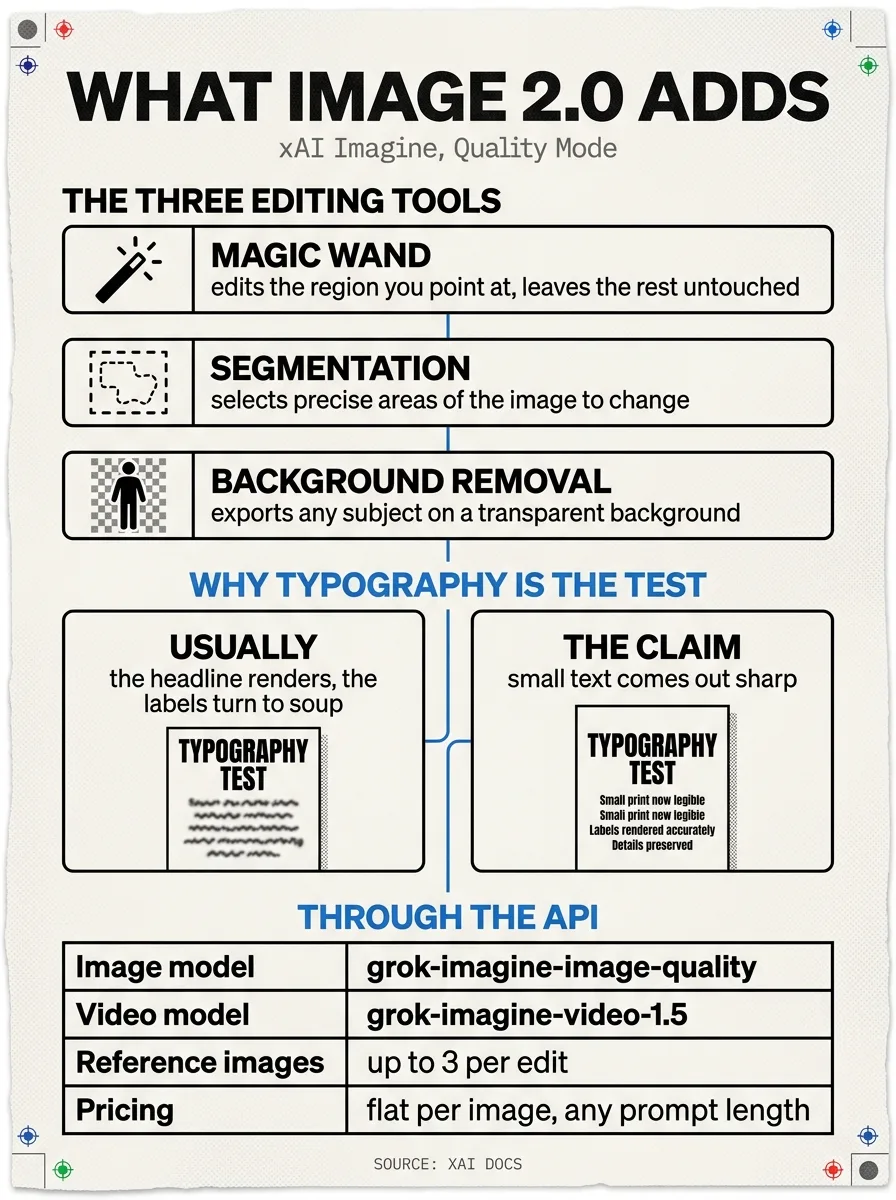
The following August illustration shows the earlier API. The current identifier is grok-imagine-image-2.0, with up to five reference images; the old quality alias changes on 2 November.
Through the API
The current API identifier is grok-imagine-image-2.0. xAI’s 28 August release notes document generation and editing with up to five reference images.
Pricing is flat per image regardless of prompt length, which is worth knowing when you are writing the long, specific prompts this kind of model rewards. There is no penalty for detail.
Where it sits
This is the successor to Grok Imagine, which was the fast and permissive option rather than the precise one. Image 2.0 is aimed at a different job, and the competition it is aimed at is the models people already use for work with text in it: Nano Banana Pro and GPT Image 2.
The older API name changes on 2 November
xAI’s migration notice says grok-imagine-image-quality retires on 2 November 2026. Requests to that identifier will redirect to Image 2.0 at low quality. Developers should choose the current identifier and quality setting explicitly, then check the output and current price in their own workflow.
The August illustration above records the earlier API naming. Current integration details are given in this section and the release notes.
More in Image Generation
All Image →- Black Forest LabsFLUX 3 ImageFLUX 3 Image creates and edits pictures with up to ten reference images
- TencentHY Image 3.5 PreviewTencent’s image generation and editing preview
- IdeogramIdeogram 4.5image generation and precise editing
- AlibabaQwen-Image-2.1-TurboAn eight-step image generator with downloadable weights
- Google DeepMindNano Banana 2.1Image generation, reference pictures and conversational edits
- OpenAIGPT Image 2.5two variants, one price, the top two seats