
Guide
Hermes Agent prompting
how to get real work out of it
Key facts
- 14plus your own
- Personality presets
- 2,200characters, MEMORY.md
- Memory cap
- 1,375characters, USER.md
- User profile cap
- /namestackable
- Skill invocation
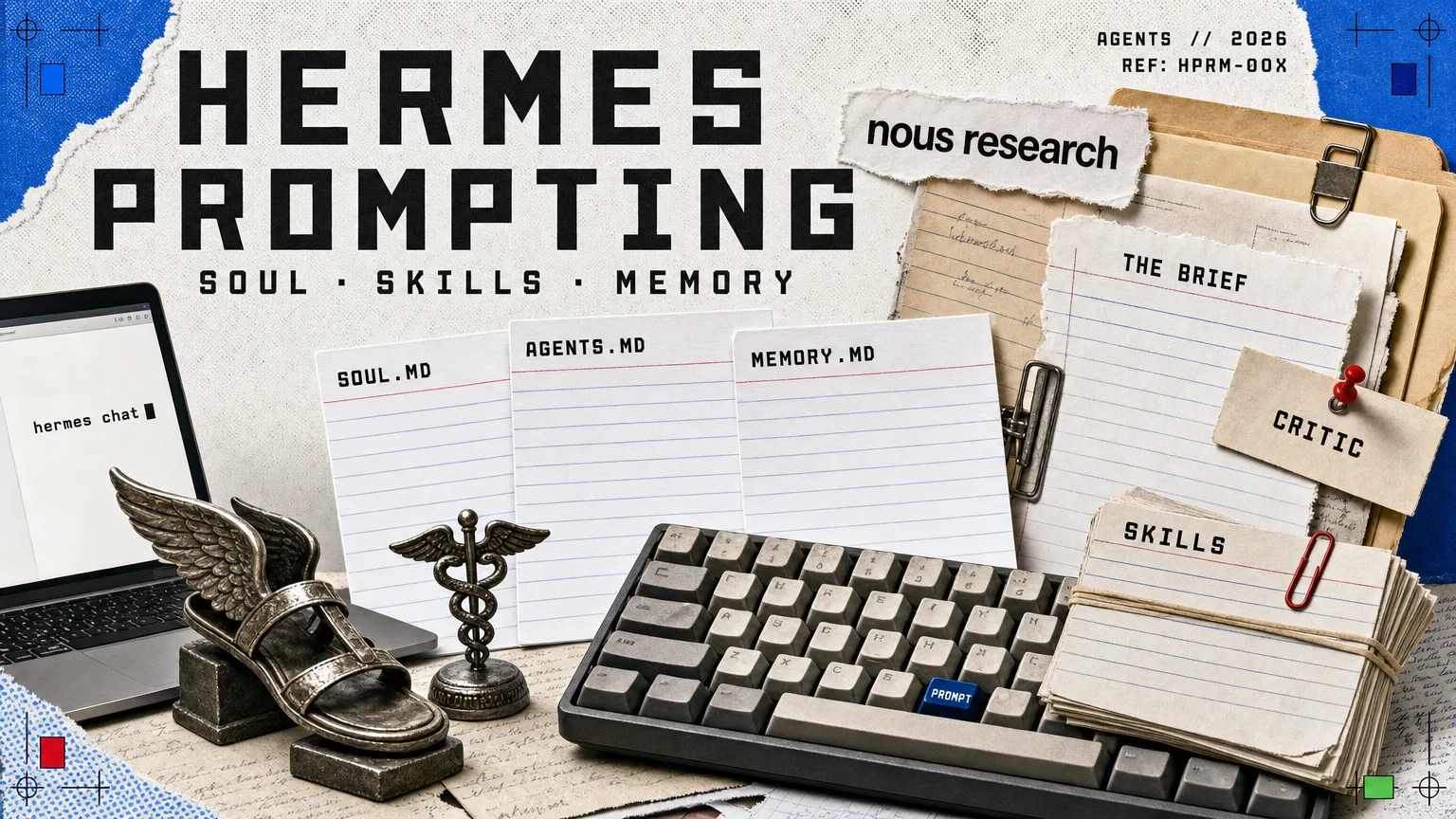
- SOUL.mdslot 1 of the prompt
- Identity file
- 2 Aug 2026against the docs
- Checked
Most of what separates a useful Hermes session from a frustrating one is not clever wording. It is four things: what you put in the context files, how specific the first message is, whether you let the agent use its own tools, and whether you ever tell it to save what worked.
Checked against the Nous Research documentation on 2 August 2026, the day before the v0.20.0 Herald release of 3 August 2026 added real-time voice with barge-in, on-device wake words and Agent-to-Agent support. Hermes Agent ships often, so verify any flag against hermes --help before you rely on it.
Hermes Agent rewards a particular way of working, and it is not the way most people arrive with. Chat assistants train you to type a short request and iterate. An agent with terminal access, a file system, a memory and a library of its own procedures wants something different: a full brief the first time, then room to work.
This guide covers the commands worth knowing on day one, the three files that shape every session before you type anything, how to stop an agent folding the moment you disagree with it, when a piece of work should become a skill, and how to keep a long session from becoming an expensive one.
The first hour
Installation is one line, and the setup wizard covers the rest. If you are using Nous Portal, a single sign-in covers a model and the bundled tools rather than four separate accounts.
Getting running
hermes setupThe interactive wizard: model, terminal backend, messaging, tools, agent behaviour. Run it once, properly.hermes setup –portalOne OAuth that covers a model plus the Tool Gateway tools.hermes modelChoose the default provider and model./modelswitches mid-session.hermes fallback addAdd a backup provider for when the primary one errors. Worth doing before you need it.hermes doctorDiagnose config and dependency problems. The first thing to run when something is odd.hermes statusAgent, auth and platform state at a glance.hermes chatStart work.-q “…”for a one-shot, non-interactive run.
Later, when you have a setup worth keeping: hermes backup writes the whole Hermes home to a zip, and hermes import restores it on another machine.
Write the brief, not the request
The single biggest lever is the first message. Every clarification round costs a turn, and a turn costs tokens on both sides of it.
Give the agent the file paths, the exact error, the expected behaviour and the constraint you care about, all at once. Paste the whole traceback rather than describing it. Then stop, and let it work.
| Instead of | Write |
|---|---|
| “Fix the code.” | “src/lib/parse.ts throws on line 42 for CSV rows with a quoted comma. Expected: the field survives intact. Traceback below.” |
“Open utils.py, look at line 80, then check the test.” |
“Find and fix the failing test in tests/test_utils.py. Do not change the public signature.” |
| “Make it faster.” | “This build takes 90 seconds; most of it is the image step. Get it under 40 without dropping output quality, and tell me what you traded.” |
| “Write about our product.” | “Draft 400 words for the docs landing page, in the voice of AGENTS.md, aimed at someone who has never used a terminal.” |
The second lever is restraint. Telling an agent which file to open and which line to read wastes the capability you are paying for: it has file search, a terminal and code execution, and it is better at finding things than you are at describing where they are. Describe the outcome and the constraints, then let it choose the route.
The anatomy of a brief that works
The three files that shape every session
Anything you find yourself repeating belongs in a file rather than in a message.
~/.hermes/SOUL.md, the identity
This is the first thing in the system prompt and it defines who the agent is. Keep it to voice and standing preferences, stable across every project. It is created for you with a default, and once you have edited it, Hermes never overwrites it.
# Soul

You are a senior backend engineer. Be terse and direct.
Skip explanations unless asked. Prefer one-liners over verbose solutions.
Always consider error handling and edge cases.AGENTS.md, the project’s rules
This lives in the project root, is read at session start, and carries the things a new colleague would need on day one: the stack, the conventions, the things never to do. Keep it short, because it is paid for on every message.
# Project Context

- FastAPI backend with SQLAlchemy ORM
- Always use async/await for database operations
- Tests go in tests/ and use pytest-asyncio
- Never commit .env files
If you already keep .cursorrules or .cursor/rules/*.mdc files, Hermes reads those too. There is no need to duplicate them.
Memory, which is deliberately small
MEMORY.md holds what the agent has worked out about your environment, capped at roughly 2,200 characters. USER.md holds your preferences and communication style, capped at roughly 1,375. The caps are enforced: a write that would overflow returns an error rather than silently dropping an entry, so the agent has to consolidate instead of hoarding.
Feed it deliberately. After a good session, “remember this for next time” works, but a specific instruction works better: “save to memory that our CI uses GitHub Actions with the deploy.yml workflow”. When it feels stale, “clean up your memory” triggers a consolidation pass.
One behaviour to know, because it looks like a bug: memory is rendered into the system prompt as a frozen block at session start, to preserve the prefix cache. Something the agent saves mid-session is on disk immediately but does not appear in its own prompt until the next session.
Stopping it agreeing with everything
The failure people complain about most is the assistant that caves the instant you push back. Nous Research’s reading of it: this is not loyalty but reward hacking. The agreeable reply keeps you typing, and typing is what the model’s training rewards.
The way that you get out of sycophancy is the same way you get a human being out of a bad habit or a routine: by introducing new context, by introducing new distribution.
In practice that is three moves, in order:
- SetChange the personality
/personalityoverlays a session-level shift on top of SOUL.md. Fourteen presets ship, including concise, technical, teacher and critic-flavoured modes, and you can define your own underagent.personalitiesin~/.hermes/config.yaml. - AttackSpawn a critic with no historyAfter each pass, ask for a fresh subagent whose only job is to tear the work down. It has not sat through the conversation that produced the answer, so it has nothing to be agreeable about.
- KeepSave the critique that landedTurn the review step into a skill. Every later session starts with the habit already installed, which is what makes the improvement stick rather than needing to be re-established each time.
The same logic applies to everything else you want changed: give the model examples of the behaviour you want, or get it to produce some and then save them. In-context learning moves an agent further than any amount of firmer instruction.
When to make a skill
The rule of thumb from the documentation is a recurring task of five or more steps. The moment to act is immediately after it has gone well:
save what you just did as a skill called
deploy-staging
Next time, /deploy-staging runs it. Skills stack, so /deploy-staging /slack-notify ship the hotfix composes two of them in one message, and hermes bundles create groups several under a single command when a combination becomes routine.
You do not have to author them by hand either. /learn will read a directory, a URL or a described procedure and write a standards-compliant skill from it, which is the fastest route to teaching an agent an unfamiliar tool or code base.
Skills, memory and the curator
/skillsWhat is available right now. Type/then Tab to browse every command and installed skill./learn <source>Author a skill from a directory, a URL or a procedure you describe.hermes skills search <query>Find a skill in the registries.installadds it, with a security scan.hermes skills inspectRead a skill before installing it. Do this with anything from a registry.hermes bundles create <name>Group several skills under one slash command.hermes journeyThe timeline of what it has learned./journeyopens the same view in session.hermes curator statusWhat the background curator has been merging, archiving and pruning.hermes curator pin <skill>Protect a skill you rely on from being auto-transitioned.
Cautious start: set skills.write_approval: true in ~/.hermes/config.yaml, and every agent-written skill waits in ~/.hermes/pending/skills/ for /skills pending, /skills diff <id> and /skills approve <id>. The same staging exists for memory: /memory pending, then approve or reject.
Keeping a long session cheap
Four habits do most of the work here.
Do not break the prompt cache. A stable system prompt means later messages hit the cache and cost a fraction of the first. An explicit /model switch, a provider fallback or a credential rotation all invalidate it, so choose the model for a piece of work before you start rather than halfway through.
Compress before you hit the wall. When replies slow down, /compress summarises the history while keeping the important context. /usage shows where you stand; /insights gives thirty days of pattern.
Delegate anything parallel. Ask it to use delegate_task for subtasks that do not depend on each other. Each subagent keeps its own context and only the summary comes back, so the main conversation stays small.
Ask for a script, not a hundred tool calls. “Write a Python script to rename all .jpeg files to .jpg, then run it” is faster and cheaper than watching an agent rename files one at a time. Batch work belongs in execute_code.
Session control
/compressSummarise the conversation so far and keep going in a smaller context./usageWhere the current session stands on tokens and cost./modelSwitch model mid-session. Cheap for boilerplate, frontier for the hard reasoning./verboseCycle the display: off, new, all, verbose. “All” is a live activity view; “off” is cleanest for questions./title auth-refactorName the session so you can find it again.hermes -cResume the last session.hermes -r “auth-refactor”resumes by title.hermes sessions browseInteractive picker across everything you have run.hermes insights –days 30Token, cost and activity analytics over the last month.
Terminal habits that save more time than they should: Alt+Enter (or Ctrl+J, or Shift+Enter in Kitty, foot, WezTerm and Ghostty) for a newline without sending; Ctrl+C once to interrupt and redirect mid-reply; Ctrl+V to paste a screenshot straight in for the model to read; Tab after / to browse commands.
Work that happens without you
Once a workflow is reliable, stop typing it. hermes cron create turns a prompt into a scheduled job with its own skills loaded, hermes webhook subscribe wakes the agent on an external event, and /sethome in a Telegram or Discord chat sets where scheduled output lands. hermes kanban gives the whole arrangement a board that humans and agent profiles can both work from.
Proactive behaviour beyond that is a comfort decision rather than a setting. An agent with your calendar, an account and standing permission to cover your gaps will start acting on them; an agent that must ask first will ask first. Decide which you want before you hand over credentials, not after.
The defaults worth leaving alone
Hermes checks commands against dangerous patterns, recursive deletes, SQL drops, piping a download into a shell, and asks before running them. The prompt offers once, session, always and deny. Reach for session rather than always: “always” permanently allowlists a pattern, and the pattern is usually broader than the command you were looking at. hermes approvals can later mine your history into a sensible allowlist proposal, which is a better route to the same convenience.
Two more that are cheap to get right:
- Working on a repository you do not trust? Set
TERMINAL_ENV=dockerin.env. Inside a container the destructive-command checks are skipped on purpose, because the container has become the boundary. - Running a messaging bot with terminal access? Never set
GATEWAY_ALLOW_ALL_USERS=true. UseGATEWAY_ALLOWED_USERS, or the per-platform lists, and approve people individually withhermes pairing approve.
The --yolo flag exists and bypasses the approval prompts. It is for a sandbox you can throw away, not for your laptop.
When something is wrong
| Symptom | First move |
|---|---|
| Odd behaviour after a config change | hermes doctor, then hermes config check |
| Suspect a customisation is at fault | hermes chat --safe-mode disables all of them for one run |
| The system prompt feels bloated | hermes prompt-size breaks it down by bytes |
| A skill is misbehaving | hermes skills inspect, then hermes curator rollback if a curator pass caused it |
| Need to show someone the state | hermes dump for a copy-pasteable summary, hermes logs -f to follow live |
| Supply-chain worry about installed tools | hermes security audit scans the venv, plugins and pinned MCP servers |
Sources
- Tips and best practices, CLI command reference, skills system, memory system and personality and SOUL.md, Nous Research documentation, checked 2 August 2026.
- Karan Malhotra, co-founder of Nous Research, interviewed by Peter Yang: Hermes Co-Founder on Building an AI Agent That Improves Itself, for the quoted material on sycophancy and in-context learning.
More on the agent itself, its origins and the argument behind its design: Hermes Agent. For the wider field, see the agentic AI hub.
More AI
All AI →
Nous Research raises $90m for its open-source AI agent
Nous Research raised $90m at a reported $1.5bn valuation. Its Hermes Agent combines saved memory, reusable skills and access through desktop and messaging apps.
Hermes Agent now browses with a copy of your real logins and cookies
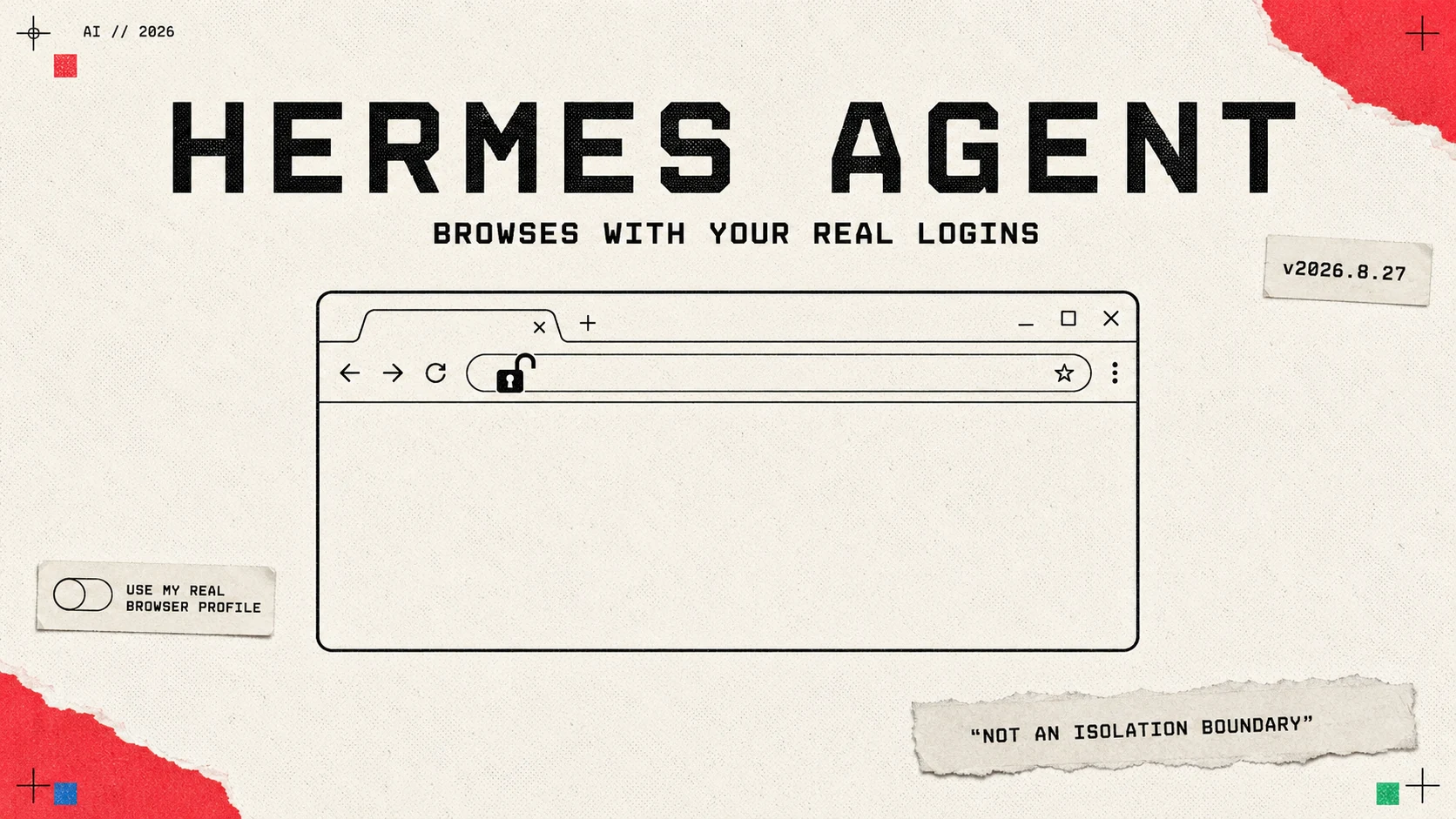
Hermes Agent shipped real-profile browsing on 27 August: the agent gets a copy of your logins and cookies. Every other vendor is arguing about how much isolation to put in. Nous wrote the trade-off into its own manual instead.
OpenRouter's Ori configures four coding agents in one command
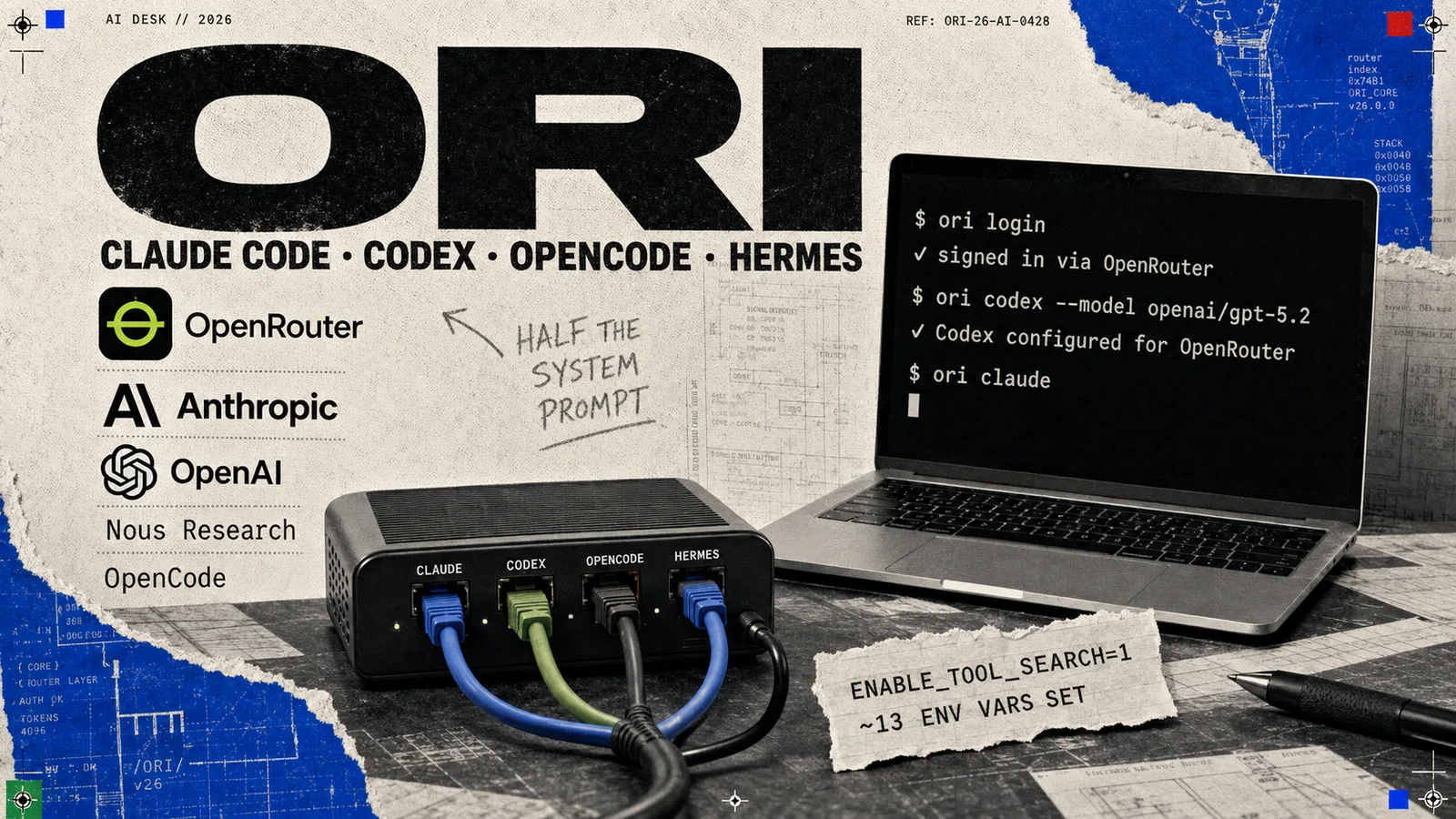
OpenRouter has released Ori, a CLI that launches Claude Code, Codex, OpenCode and Hermes already wired to OpenRouter, with per-model settings the company says cut Claude Code's system prompt by almost half.
More in Agentic AI
All Agentic AI →- Nous ResearchHermes Agentthe self-improving open-source agent
- AnthropicClaude Codethe agent that lives in your terminal
- OpenAIOpenAI Codexthe agent that spans every surface
- Linux FoundationModel Context Protocolthe USB-C port for AI agents
- OpenClaw FoundationOpenClawthe open-source agent that took over GitHub
- AnysphereCursorthe editor that became an agent